Merchant Registration Process
System Registration
Merchants can click on the PingPongCheckout official website to register and create an acquiring account.
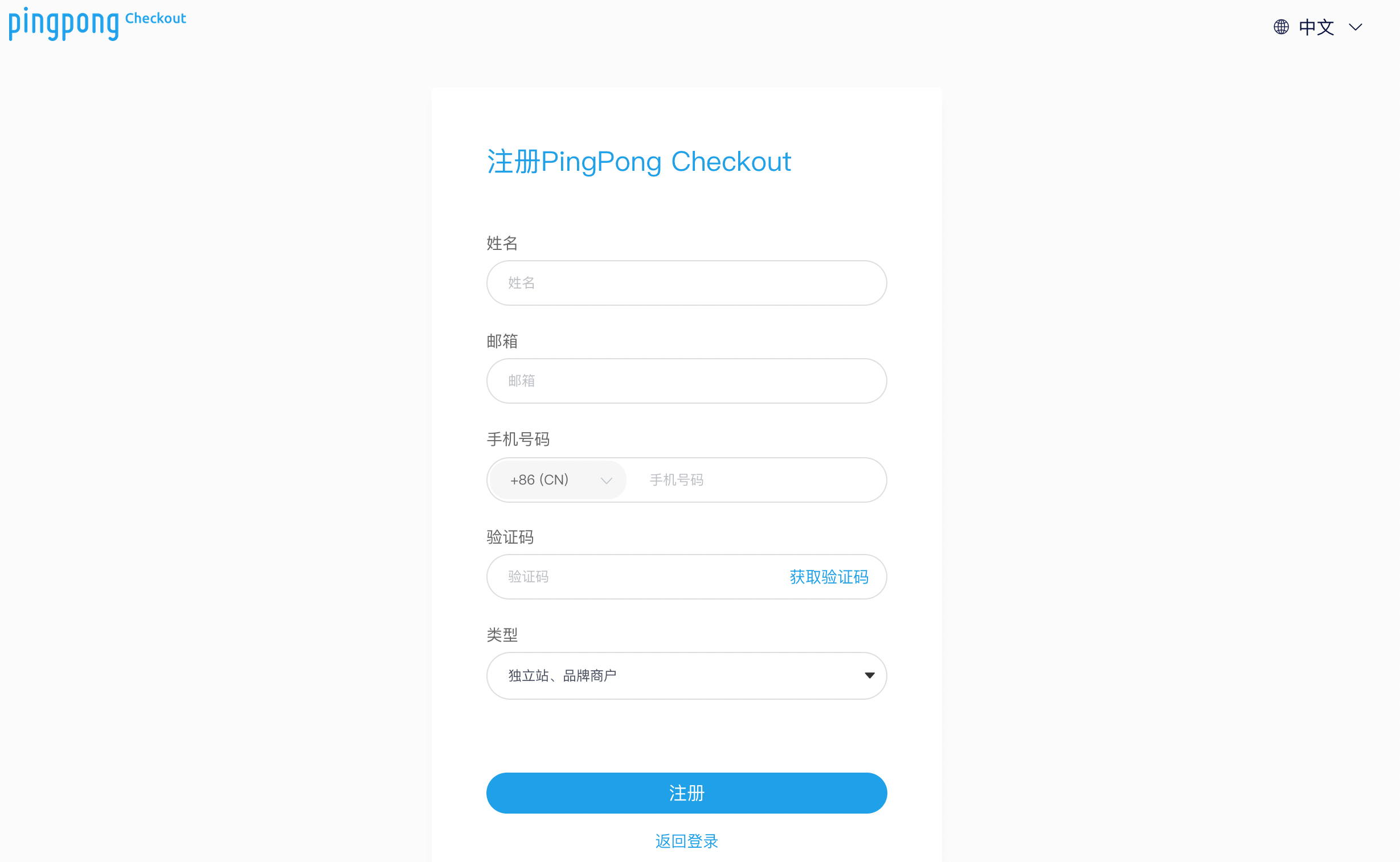
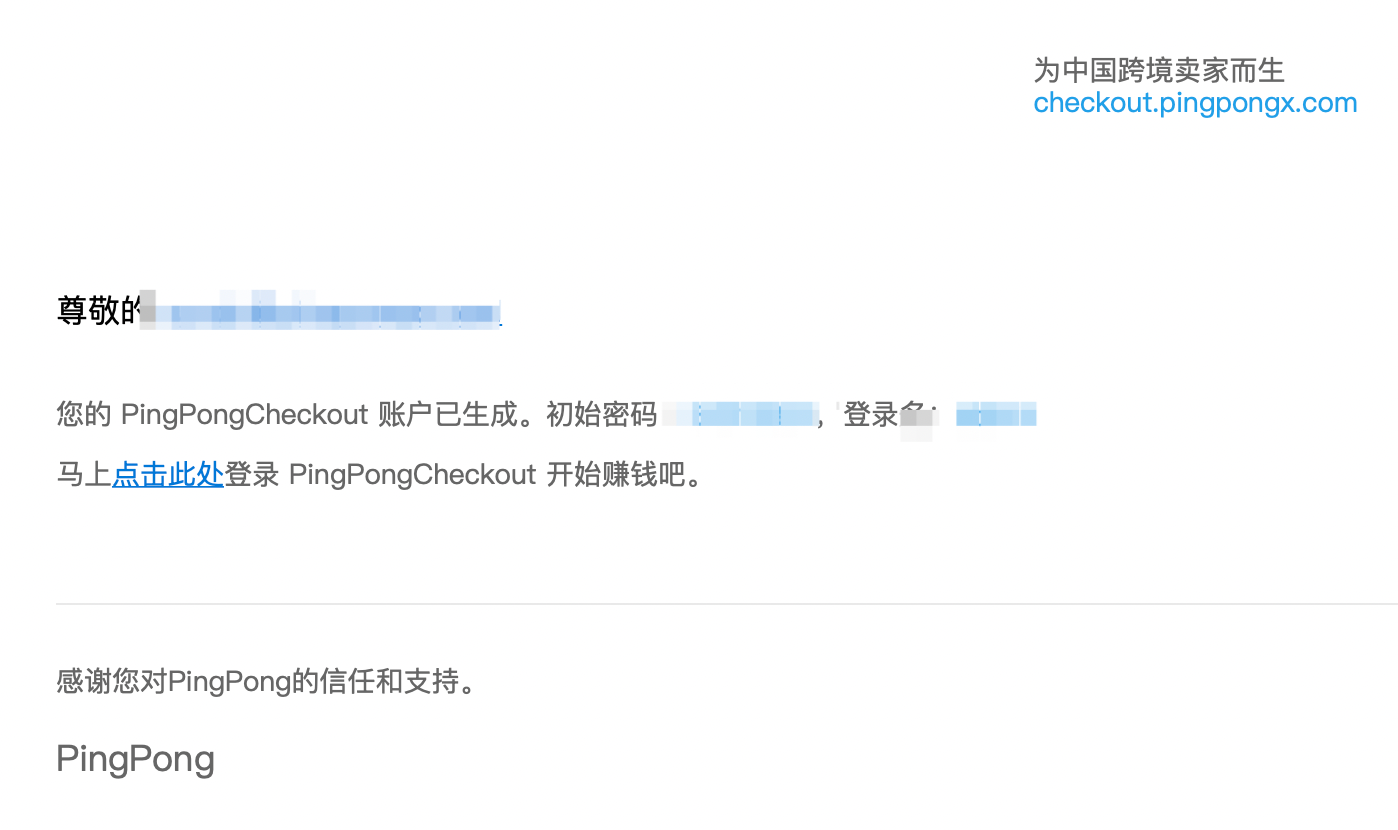
Fill in the name, email, phone number according to the page prompts, enter the verification code to register. After registration, an initial password email will be received in the application email, and you can log in with this password.
System Login
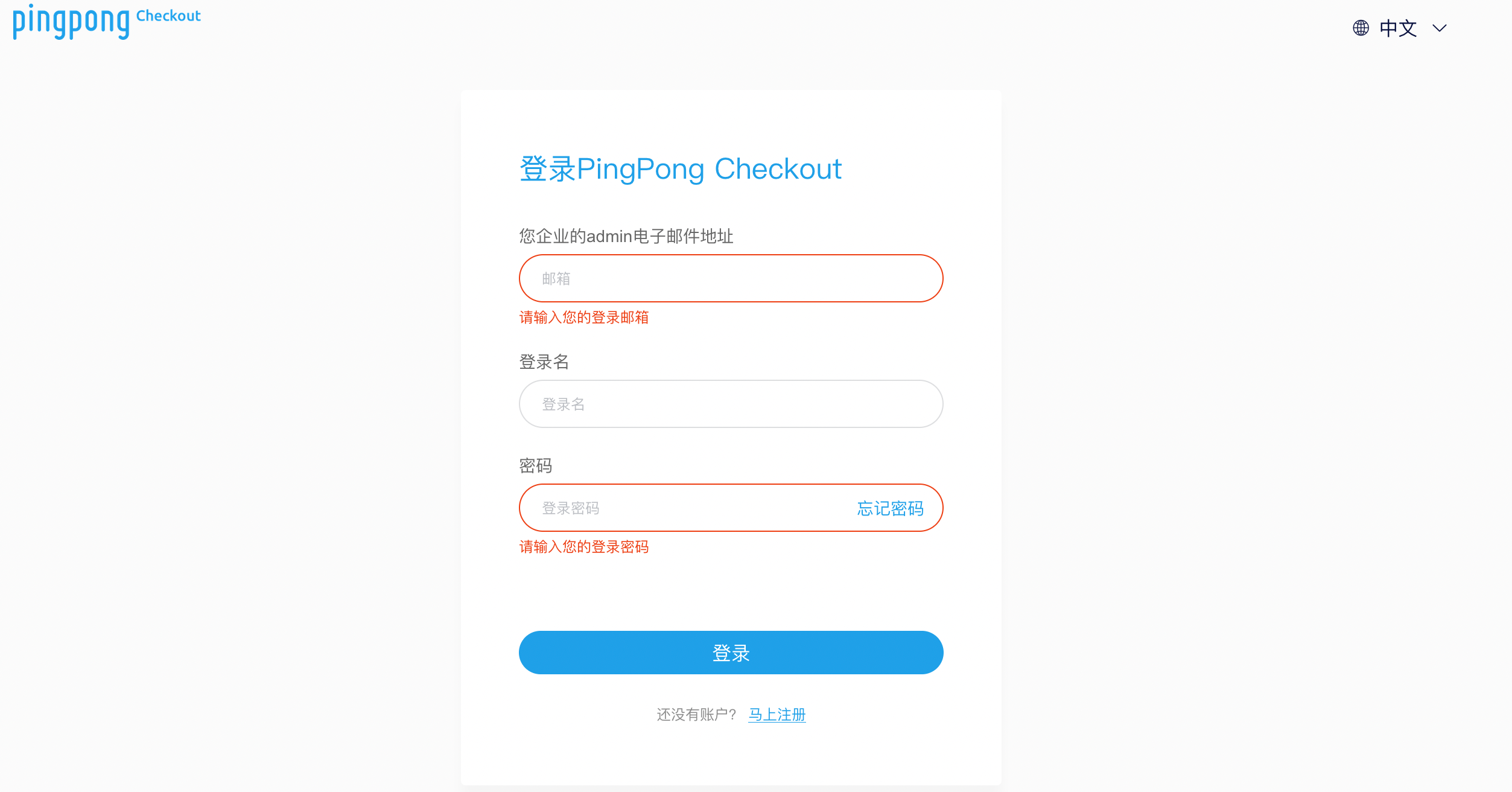
Registered merchants can directly perform login operations. Enter https://checkout.pingpongx.com/ in the browser address bar to access the merchant service platform login page. (Chrome browser is recommended) Enter the enterprise admin email address, login name, and password on the login page to complete the login.
Each user needs to change the password when logging in for the first time. The system supports both Simplified Chinese and English languages, and you can choose the corresponding language to login according to your needs.