Shoplus&PingPongCheckout Configuration
PingPongPay path: Settings - Payment Settings - Credit Card Payment - PingPongPay(Direct)
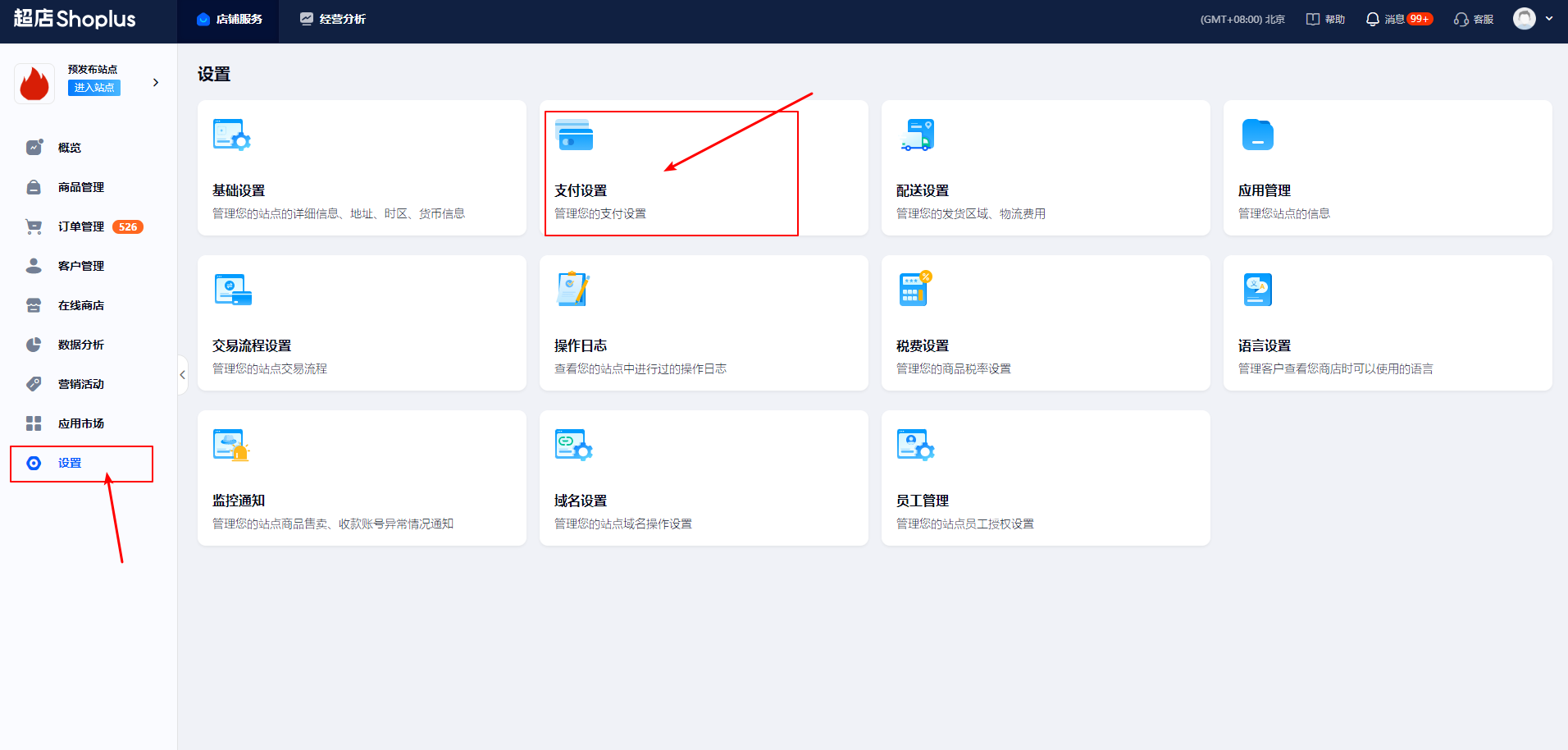
- Select "Settings" on the homepage to enter the settings interface, then select "Payment Settings" to enter the payment settings list.
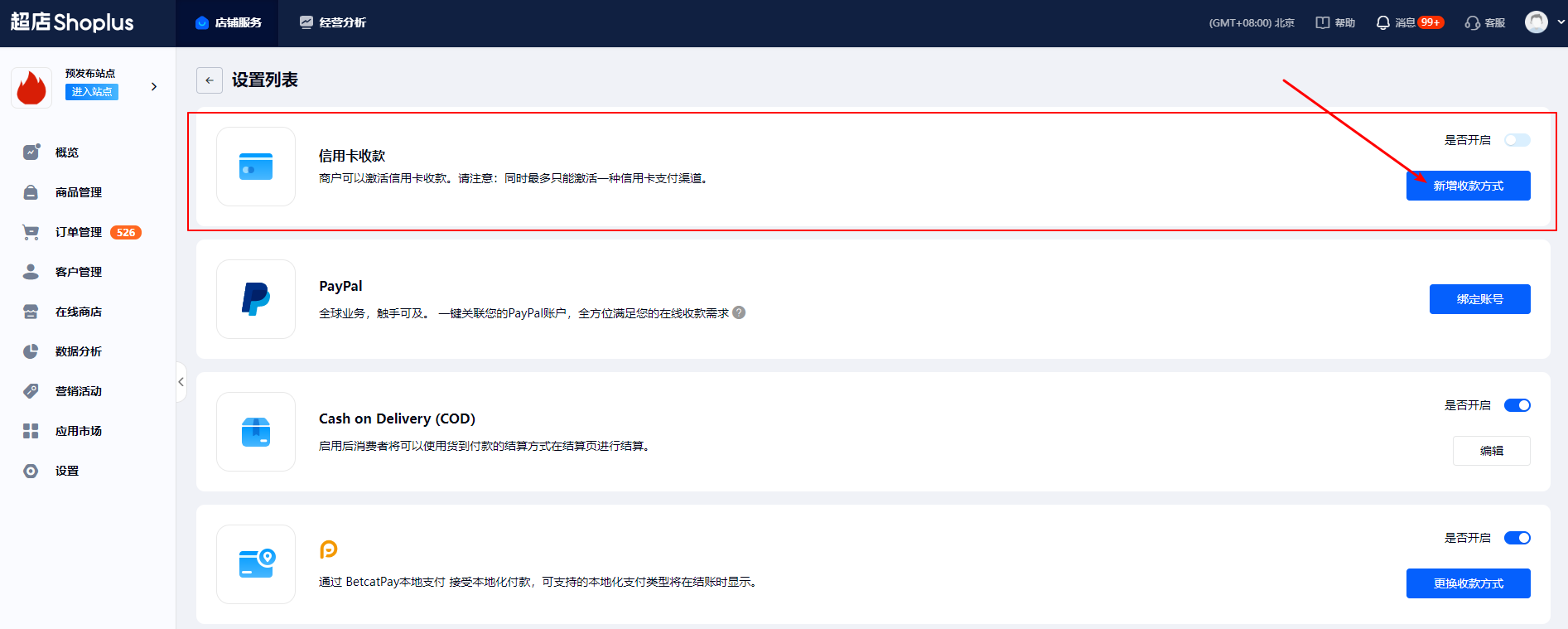
- The first item in the payment settings list is "Credit Card Payment". Click "Add Payment Method" to enter the credit card payment list, where you can find "PingPongPay".
- PingPongPay activation: Click the corresponding activation button, enter ClientID, AccId, Salt and click confirm.
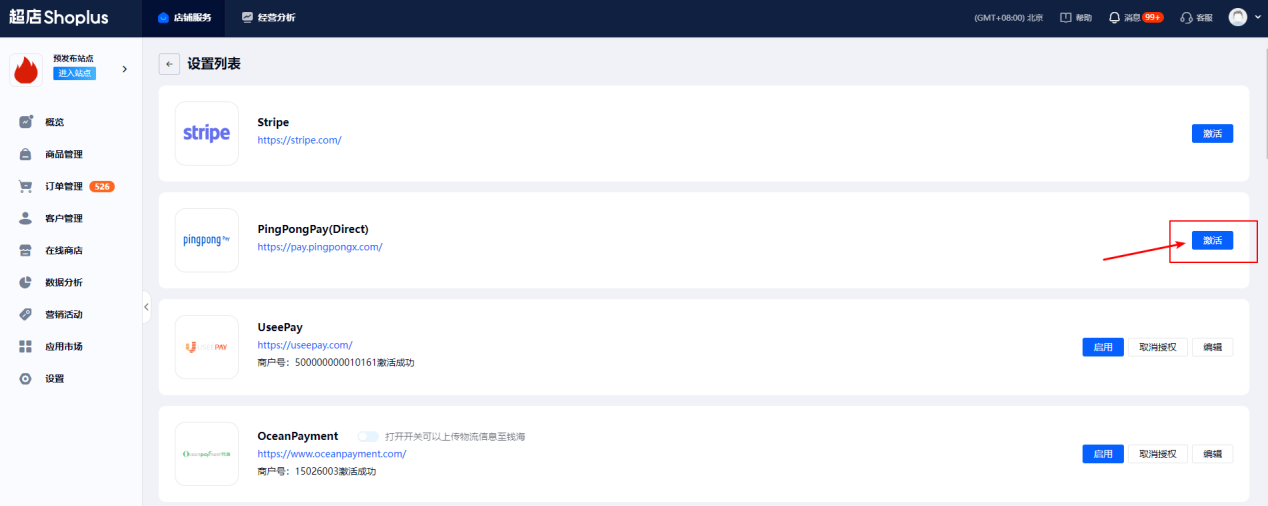
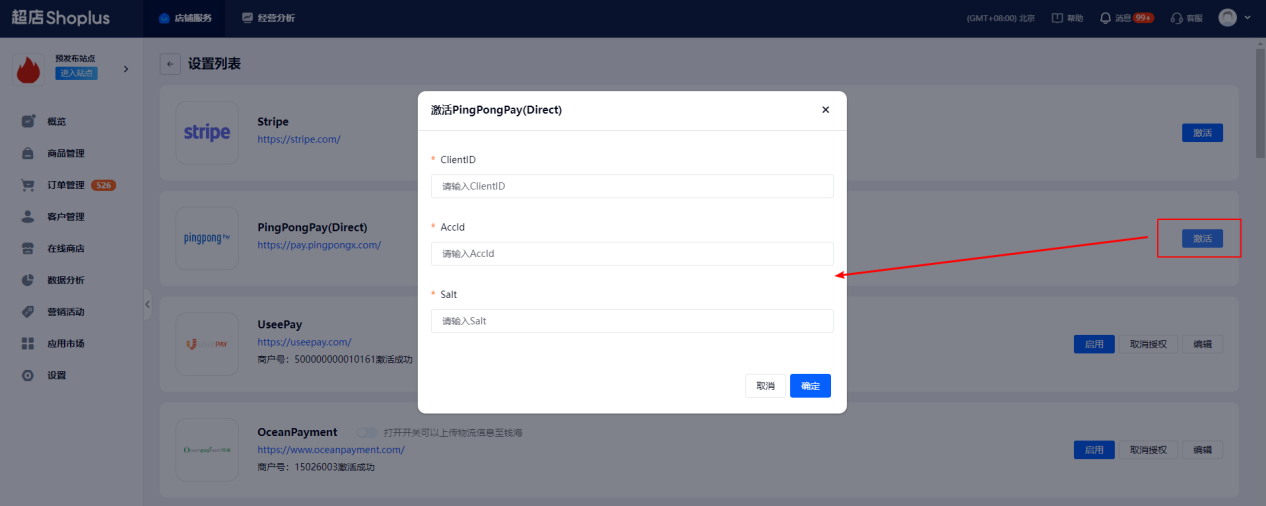
- After completing the configuration, you need to click enable. If other credit card payment methods are currently enabled, you need to stop using the already enabled payment methods first, then enable PingPangPay.
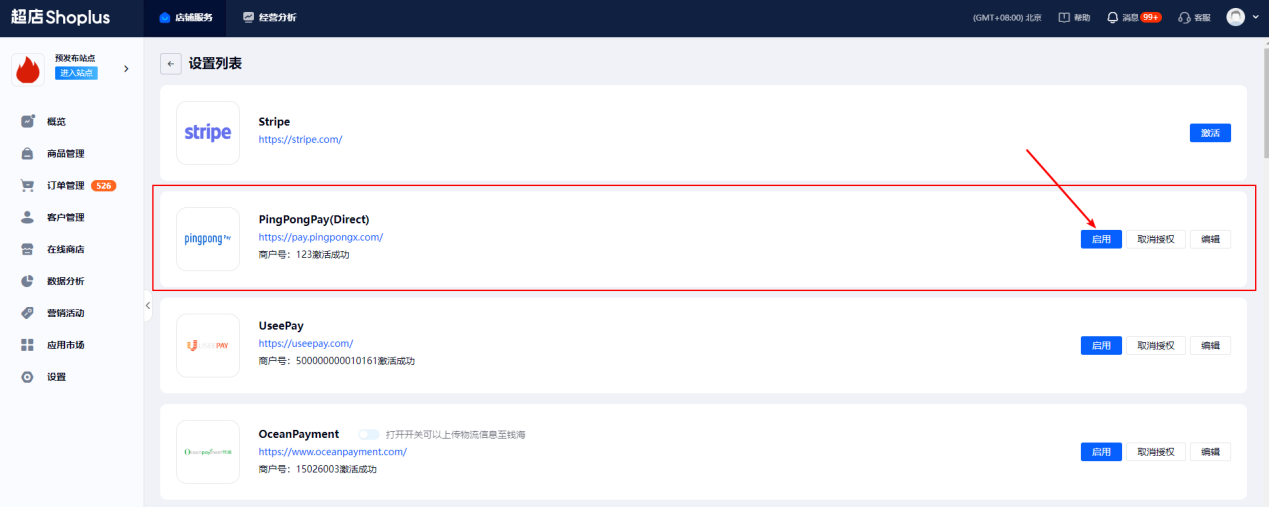
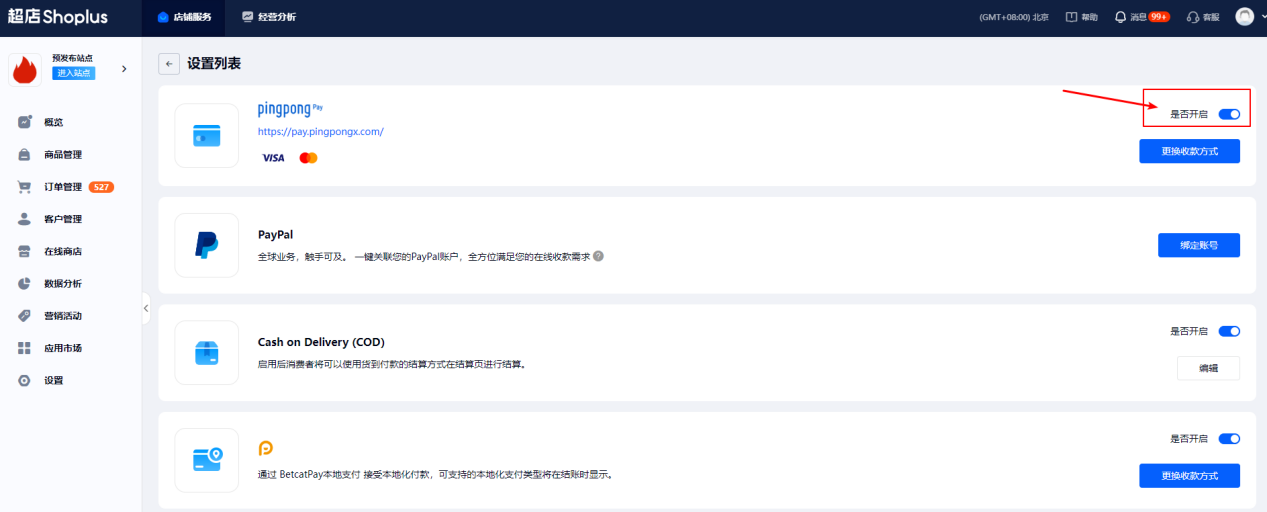
- Return to the settings list to confirm whether credit card payment is enabled. If not enabled, click enable to complete the configuration.